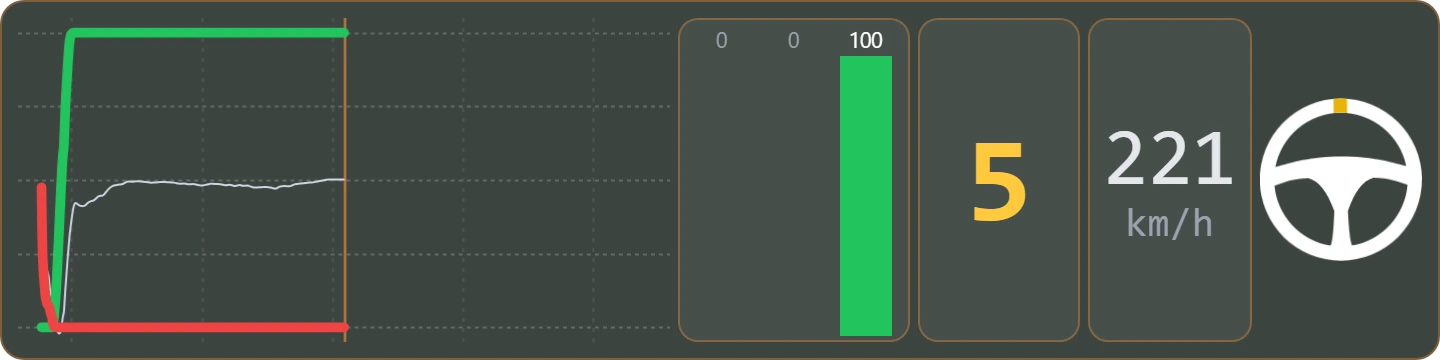
DDU

LITTLERACECOACHADVANCEPANEL

BLACK BOX

STANDINGSRELATIVECLIMAFUELLAPS

OVERLAYS

DELTADUELORADARFLAGSMAPINPUTS CSV

Sim racing telemetry suite

Engineer, studio and overlays.
One suite.

PLIA · DOJO

A race engineer that reads every corner and shows you where the time is.

GARAJE · LIVERY STUDIO · DIRECTOR

A studio for your setup, your liveries, your broadcast and much more.

DDU · BLACK BOX · OVERLAYS

Overlays powered by CSV and AI, on screen, triples and VR.

Ready to take your pace to the next level?

iRacingLe Mans UltimateBuilt-in AIReference lap in CSVScreen, triples and VRWindows
PLIA
PLIAYour AI engineer
LIVERY STUDIO
LIVERY STUDIOPaint your livery
GARAJE
GARAJEAdjust your sim
DIRECTOR
DIRECTORDirect your broadcast
DOJO
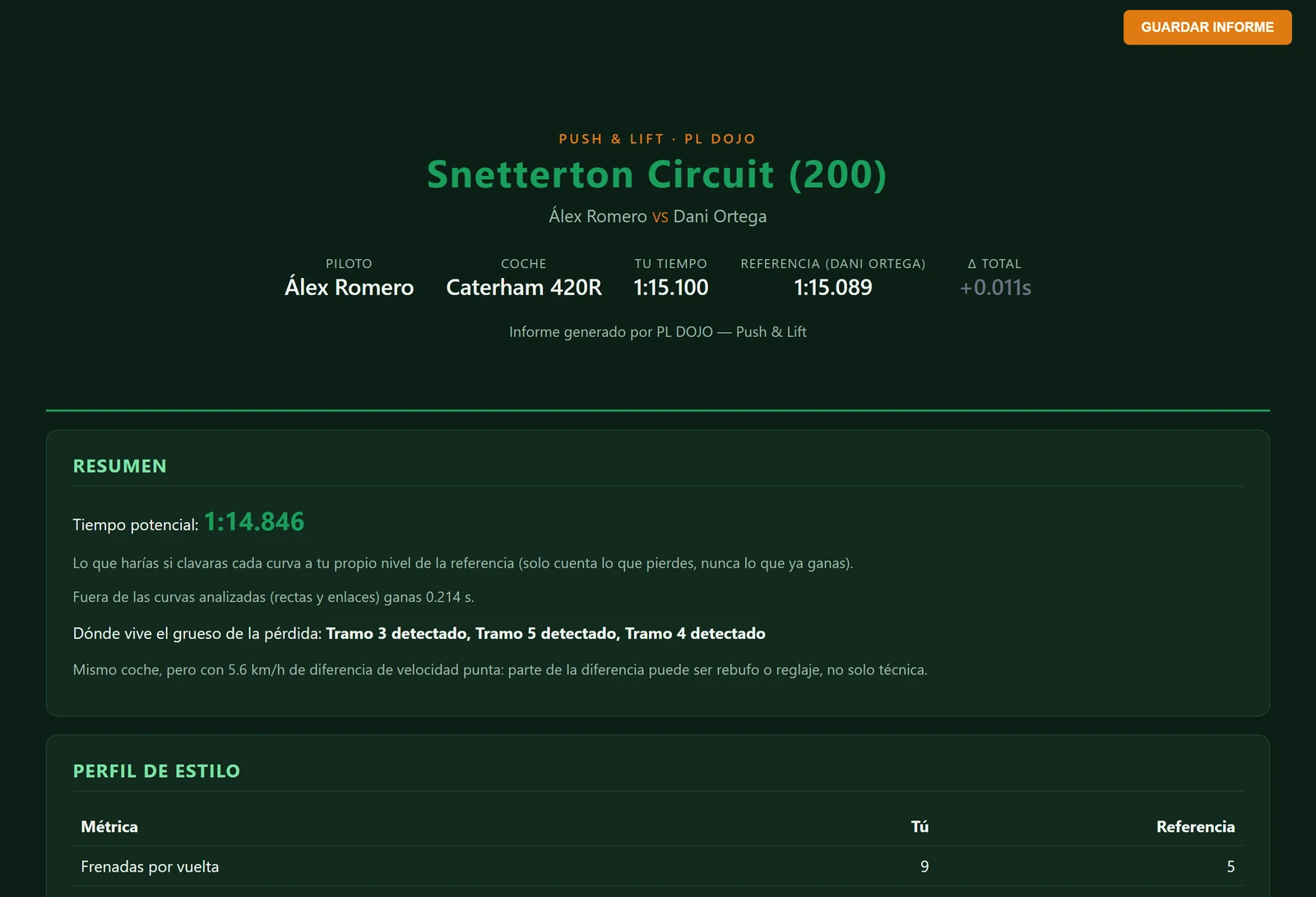
DOJOYour corner-by-corner report

The headliners

Five applications that change how you train, paint and race.

Complete applications, each with its own job. They open from the Push & Lift bar and share the same telemetry engine.

PLIA

01 · Artificial intelligence

PLIA

Ask it as you would ask your race engineer. It answers with the official iRacing documentation built in.

  • Official documentation inside: iRacing car manuals, sporting code and support articles.
  • Photos and CSV: show it your setup or your lap and ask.
  • AI included — and if you want, plug in your own key.
DiscoverPLIA
LIVERY STUDIO

02 · Liveries

LIVERY STUDIO

Paint your livery in layers and install it in iRacing without leaving the session.

  • Official template for your car, ready to paint.
  • In layers: colours, textures, patterns, stickers and your logos.
  • One button and you see it in iRacing, without leaving the session.
DiscoverLIVERY STUDIO
GARAJE

03 · Sim settings

GARAJE

The settings iRacing hides, translated and one click away.

  • 216 iRacing settings in 9 modules, each one explained.
  • A backup of the original file before every change.
  • DOCTOR inside: PC health, crashes and clean-up.
DiscoverGARAJE
DIRECTOR

04 · Broadcast

DIRECTOR

Direct your race broadcast: who to show, when, and on their own camera.

  • Rooms with a code: drivers join with camera and mic from the Suite.
  • Race alerts: crashes, spins and stopped cars, instantly.
  • OBS output for your stream.
DiscoverDIRECTOR
DOJODOJO

05 · Analysis

DOJO

Your lap against any lap you choose. Corner by corner, with the plan for your next run.

  • Corner by corner, in lap order, with what you do differently.
  • Potential lap: what you'd do by nailing the corners where you lose time.
  • The plan for your next run, in plain words.
DiscoverDOJO

Driving overlays.

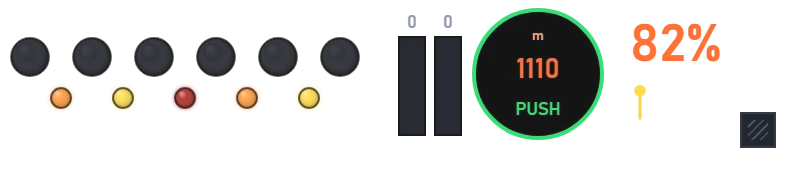
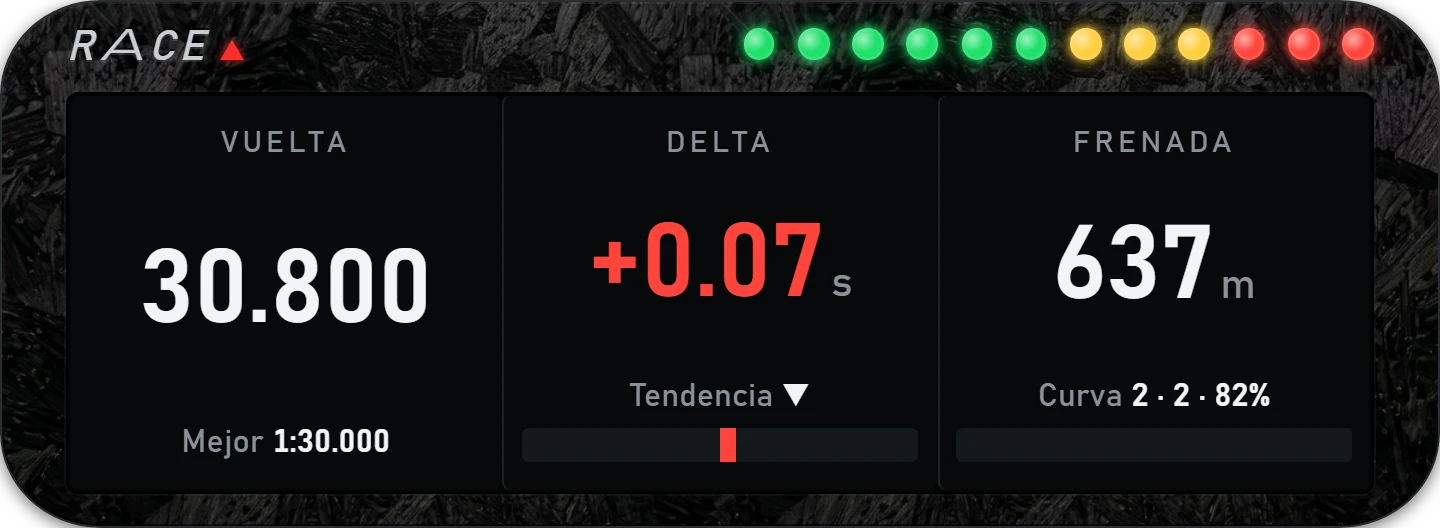
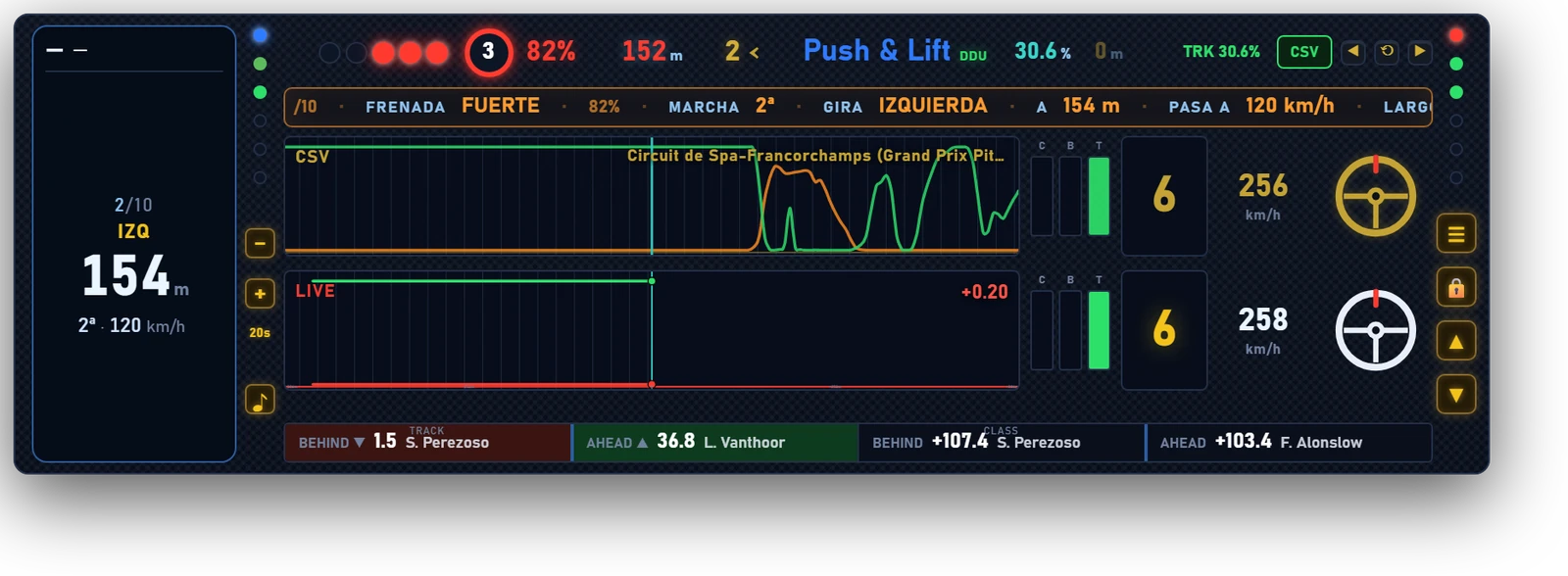
DDU

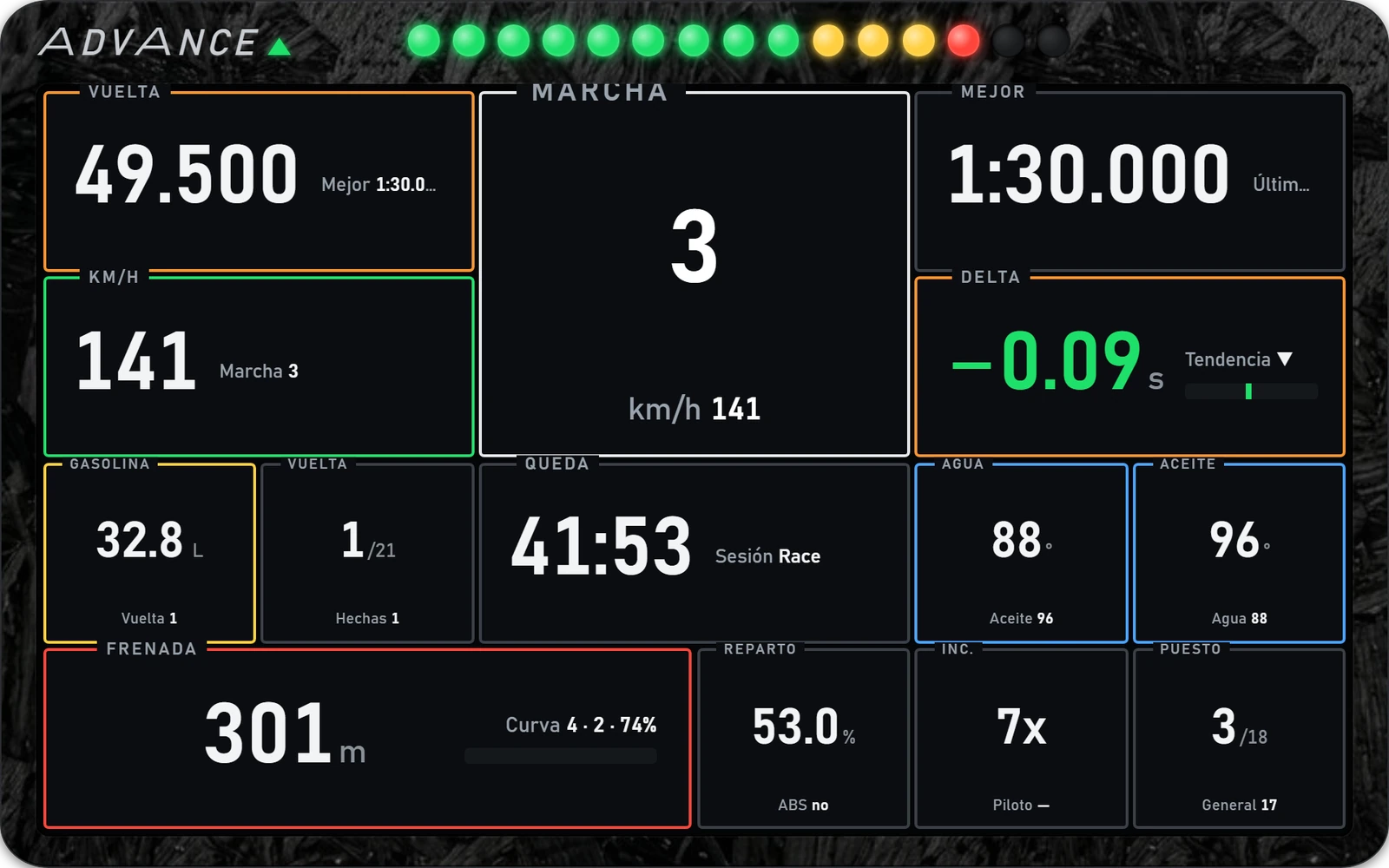
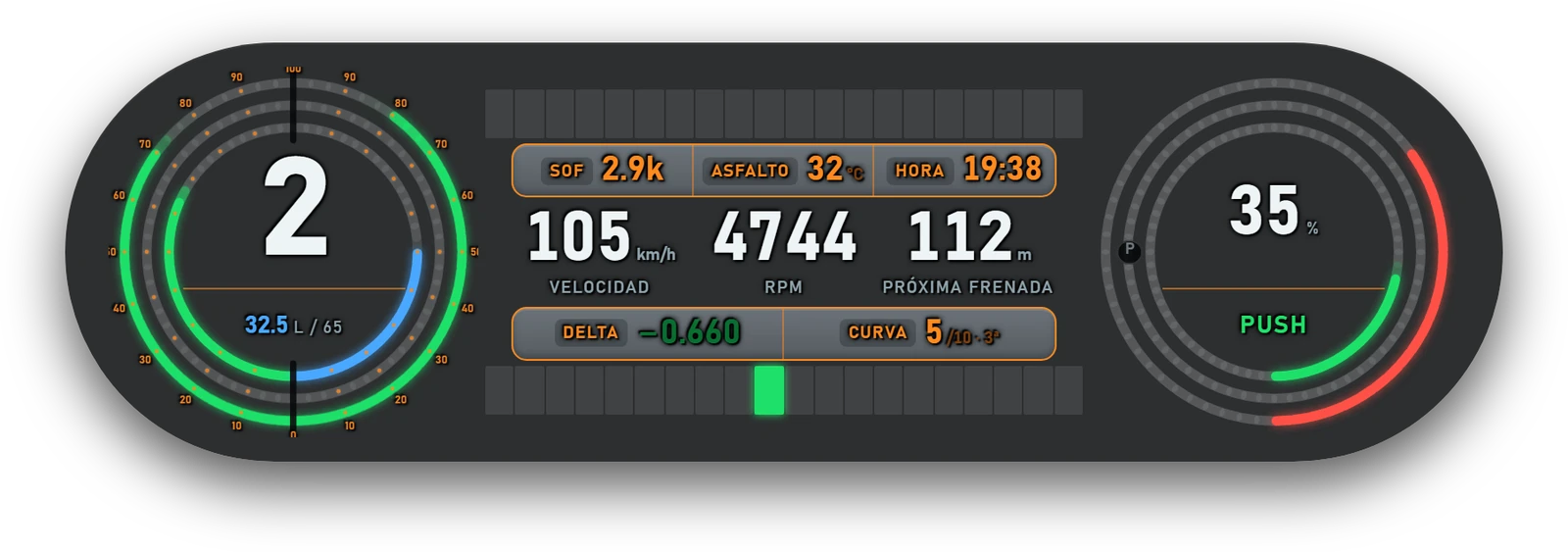
Driving overlays: they sit on the car's DDU or float in front of you, with your reference lap in CSV as the guide.

5apps

Information panels.

BLACK BOX

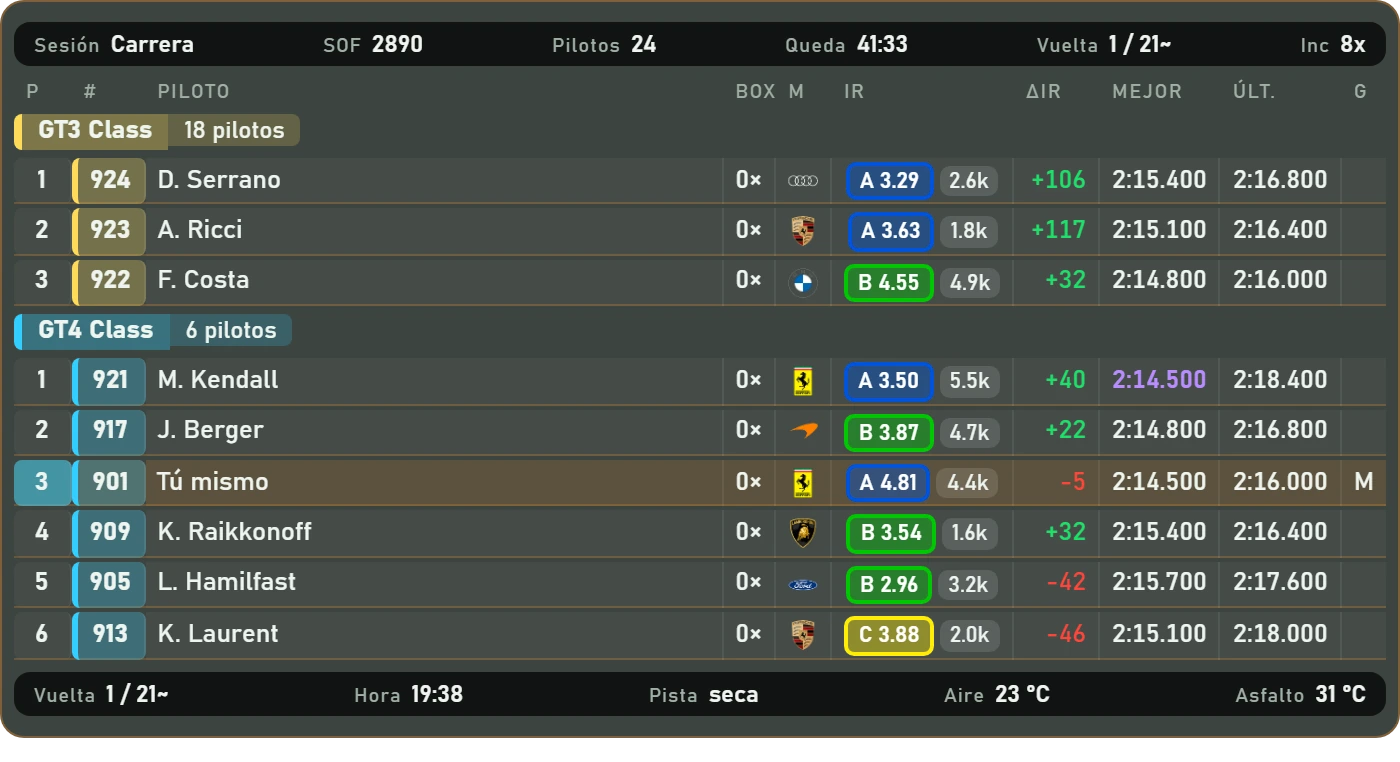
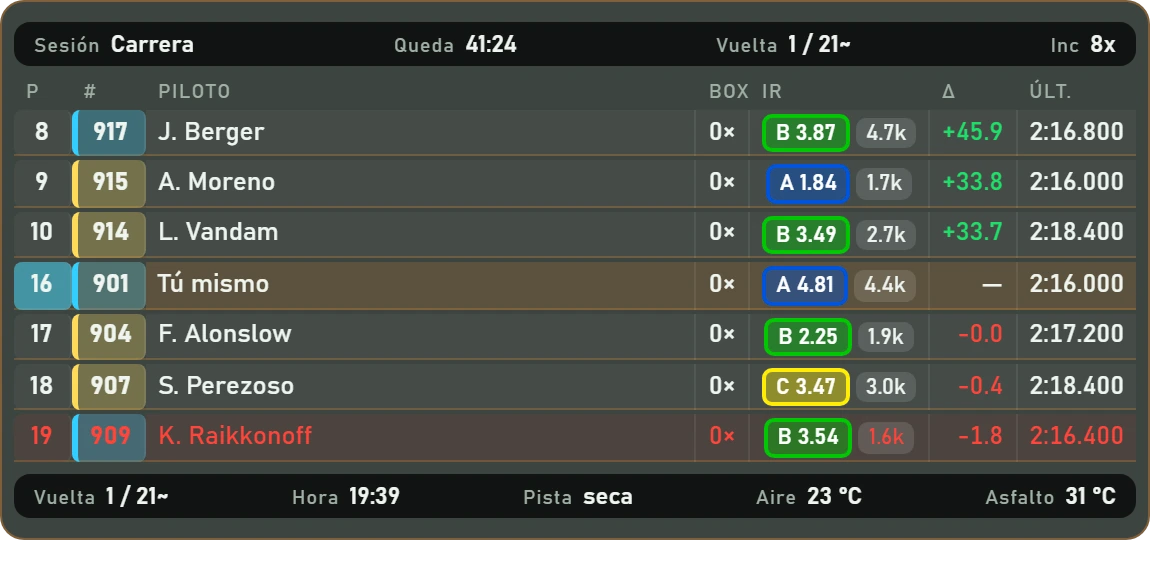
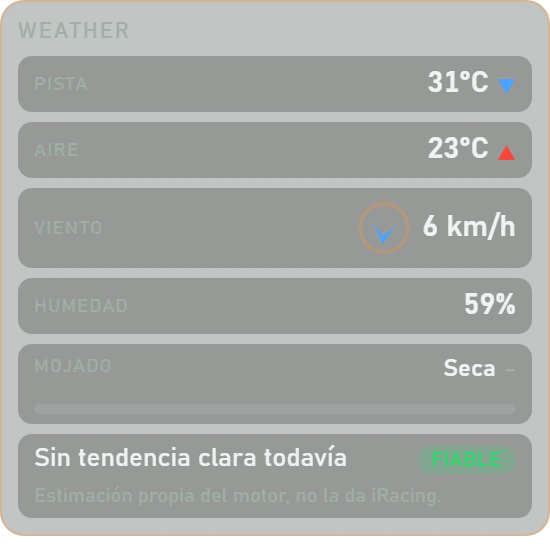
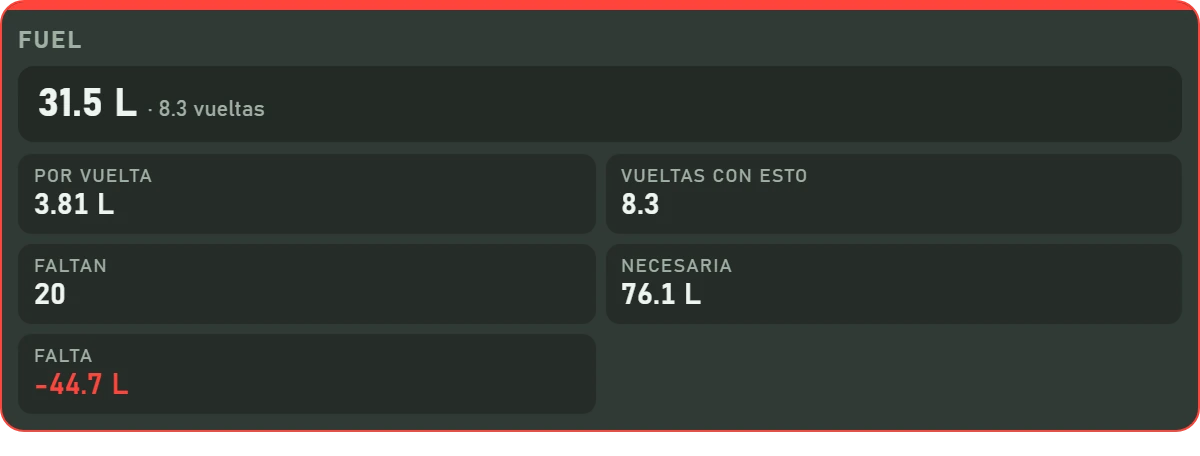
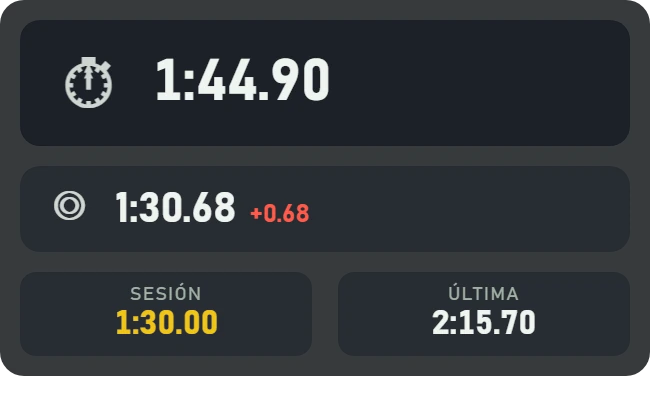
Standings, relative, weather, fuel and laps. Same shell and session strip, ready for screen, VR and streaming.

5apps

Floating and transparent.

OVERLAYS

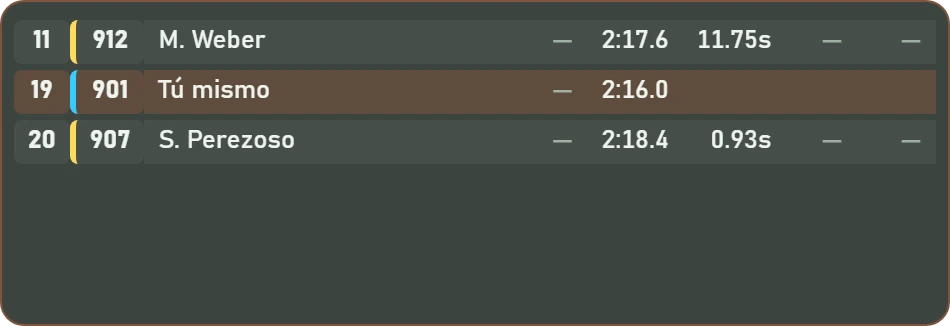
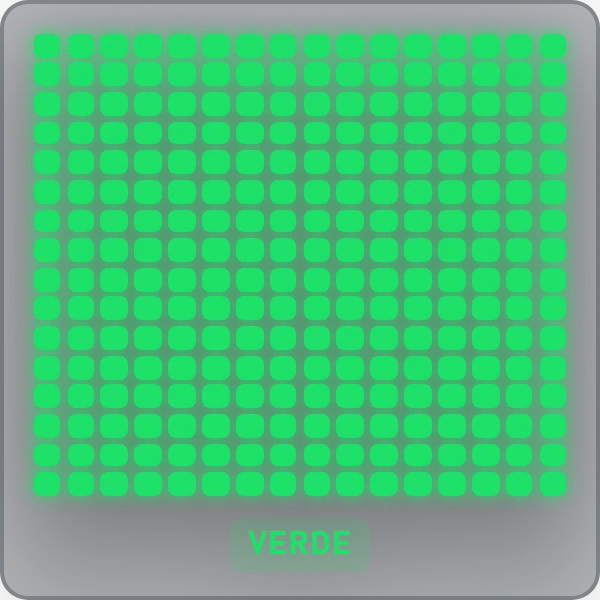
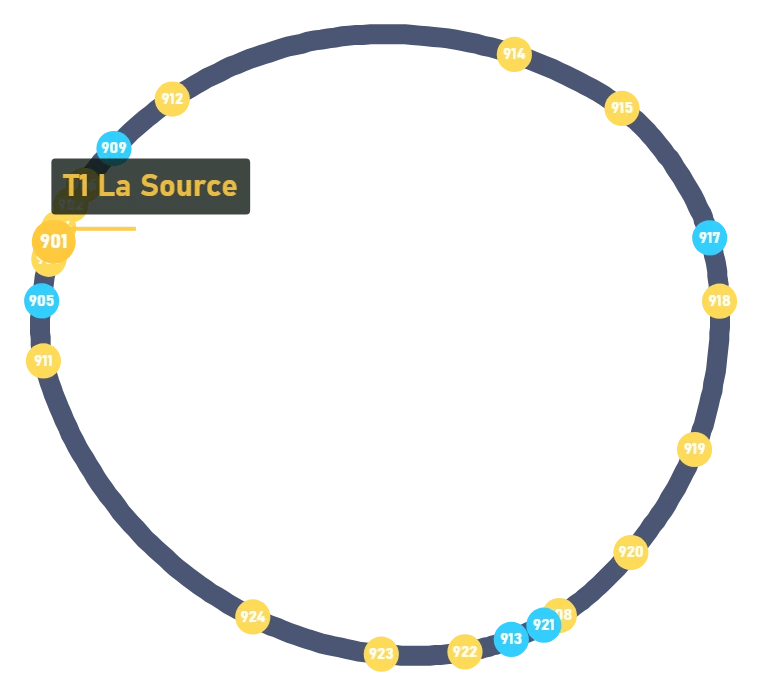
No frame: delta, duel, radar, flags, map and pedal traces. Place them where they interfere least.

6apps

The Suite

One bar.
Everything inside.

Push & Lift lives in a bar docked to the edge of your screen, like the Windows taskbar: it takes no usable screen space, and every application switches on from it.

  • 01
    One engineReads iRacing and Le Mans Ultimate, calculates once and distributes the data to every application.
  • 02
    Your reference lapLoad a Garage 61 CSV and the driving overlays tell you where and how hard the reference braked before you get there.
  • 03
    Screen, VR and streamingOverlays live on a transparent canvas per monitor; in VR they go through OpenKneeboard, and for OBS there's DIRECTOR.
  • 04
    ConfigurationColours and carbon textures, font size, keyboard shortcuts and a braking alert with audible tone and voice.
Your next fast lap
already knows where to brake.

Download Push & Lift and open everything from the bar. Free during the open beta.