DDU
What the reference did at this exact point of the track, right on top of your DDU.
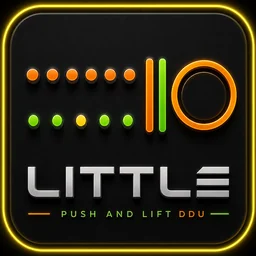
LITTLE is a transparent overlay that sits on the car's DDU. With a Garage 61 CSV loaded, it tells you while you drive where the reference braked, how hard, which gear it took the corner in and how many metres are left.
Free during the open beta · Windows
What it looks like
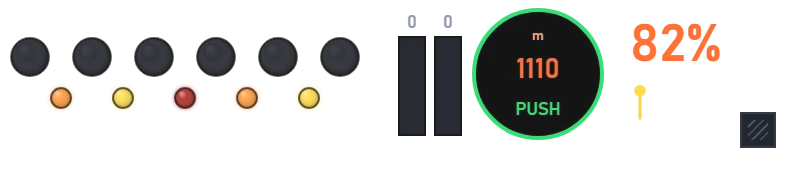
What it does
Six LEDs that go out towards the braking point, coloured by how hard the corner asks you to brake.
Metres to the braking point inside the circle, and the call: 3·2·1, BRAKE, LIFT, PUSH.
The corner's peak brake and gear, and the estimated temperature of all four tyres.
Every piece switches on or off, and there's a colour-only mode to read it out of the corner of your eye.
Install Push & Lift once and open every application from the bar. Free during the open beta.
 LITTLE
 RACE
RACE COACH
COACH ADVANCE
 PANEL
PANEL STANDINGS
 RELATIVE
 CLIMA
CLIMA FUEL
FUEL LAPS
LAPS DELTA
DELTA DUELO
DUELO RADAR
RADAR FLAGS
FLAGS MAP
MAP INPUTS CSV